Submit a Tech Department Issue
Submit a Tech Department Issue
To ensure all technical requests are handled efficiently and nothing gets missed, all issues must be submitted as a tracked ticket/issue. This helps us properly track all requests, ensure they receive the right attention, and keep everything organized and logged so that nothing gets missed.
The ticketing process allows the Tech Department to:
Assign the request to the correct owner or responsible person
Track progress and status updates in one place
Maintain a full history of comments, follow-ups, and actions taken
Prioritize work properly based on severity and impact
Keep requests organized and available for reporting and accountability
Submitting a ticket is the only way to guarantee the request is captured, routed correctly, and resolved in a timely manner.
How to Submit a Tech Issue
You can submit a Tech Department issue using one of the two methods below.
Method 1: Submit an Issue via the ERP System
Step-by-Step Instructions
-
Open the Issue submission page in ERP:
https://engine.strategicgears.com/app/issue
-
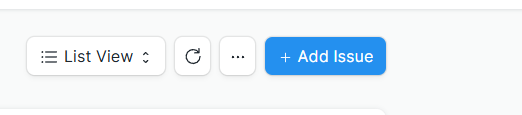
Click Add Issue
-
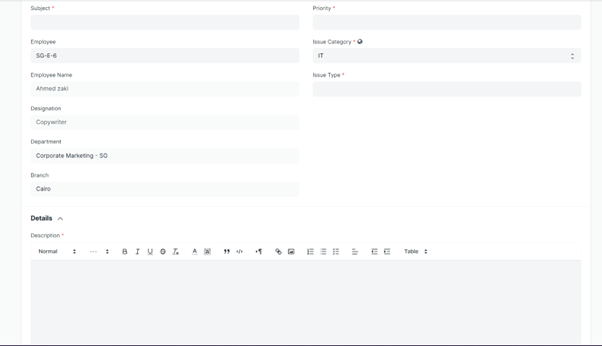
Fill in the required fields:
Subject — Provide a clear title describing the issue.
Issue Category — Select IT.
Issue Type — Select the closest option to your request/problem.
-
Description — Describe the issue in detail and include:
What is happening
When it started
How often it occurs
Any error messages
Steps to reproduce (if applicable)
-
Save the issue
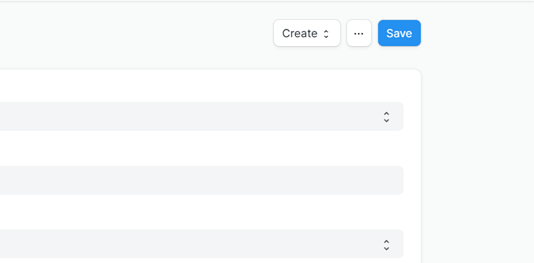
Once saved, the issue will be tracked in the system and assigned to the appropriate Tech team member.
Method 2: Submit an Issue via Slack (Issue Manager App Bot)
You can also create Tech Department issues directly from Slack using the Issue Manager app. An ERP ticket will be created automatically and you will receive a tracking link.
This allows you to:
Submit requests without logging into ERP
Automatically generate a corresponding issue record in ERPNext
Receive an ERP issue ID and tracking link directly in Slack
You can submit requests to the following departments:
IT
HR
Finance Team Support
Admin
ERP Tickets
Resource Allocation
How It Works
-
Open Slack
-
Type /help to start the Issue Manager
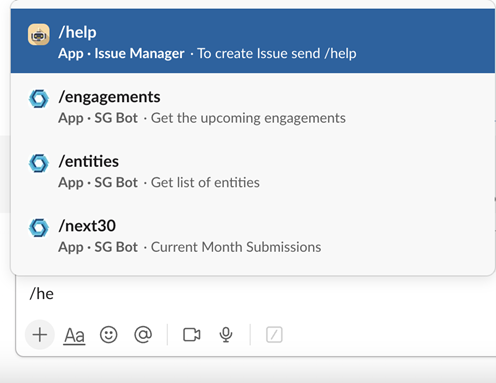
If you cannot find the Issue Manager app, you can still type /help anywhere in the Slack chat box (excluding threads).
-
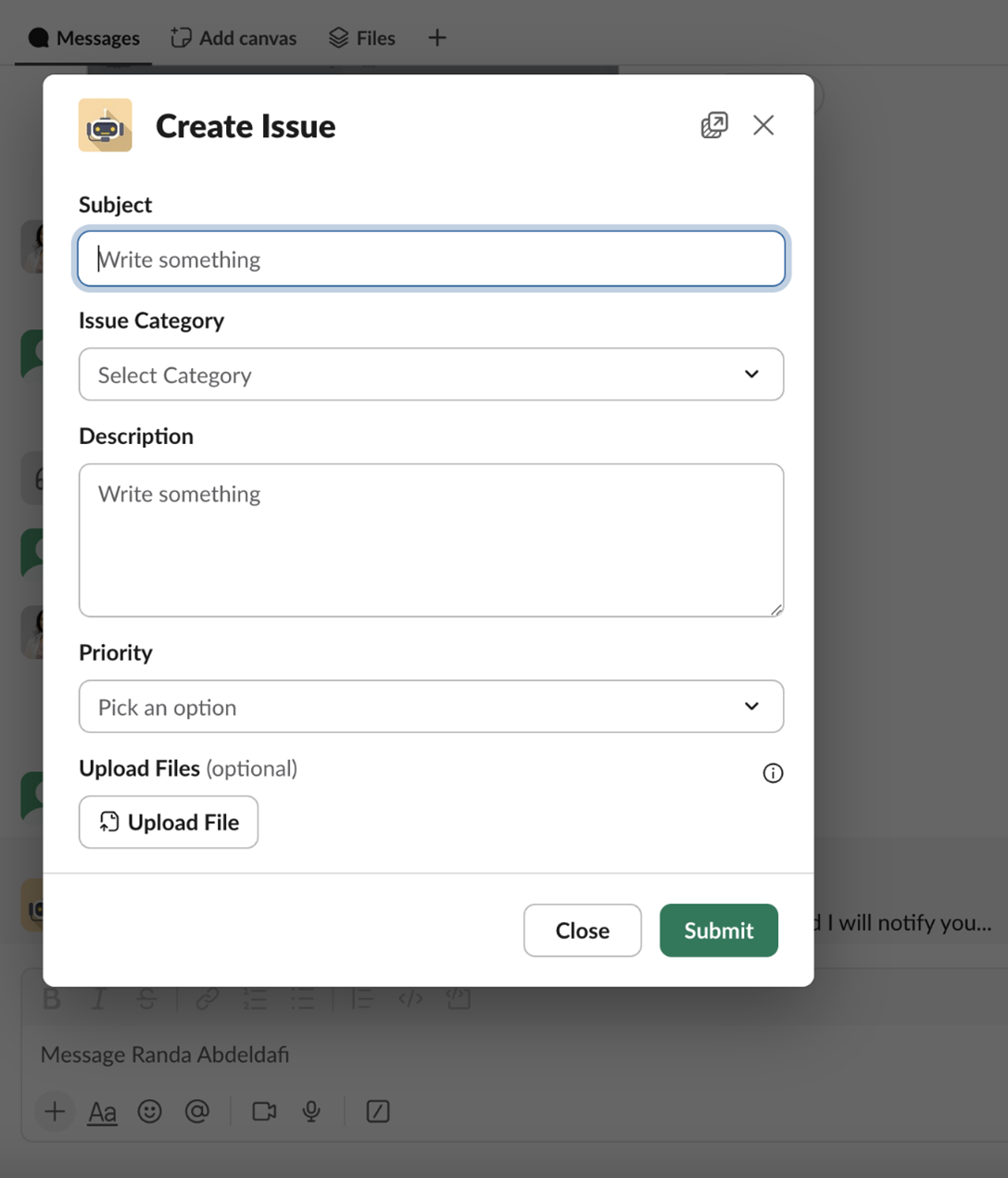
Fill in the Slack form fields:
Subject
Issue Category (select IT)
Description
Priority
-
Submit your request
-
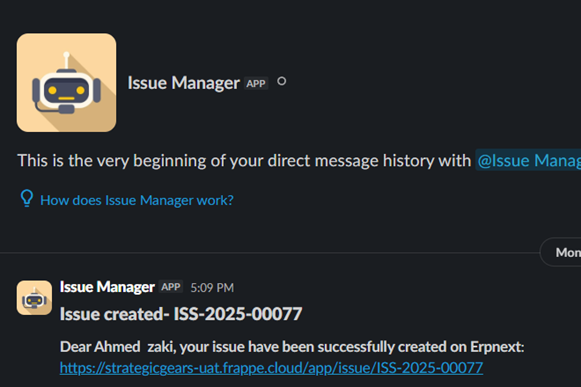
You will receive a confirmation message including an ERP Issue ID and a link for tracking
Best Practices for Faster Resolution
Always submit issues through ERP or Slack Issue Manager
Be clear and specific in your description
Attach screenshots or logs whenever possible
Avoid submitting the same issue multiple times
Follow up through the ticket comments
Summary
All Tech Department issues must be submitted as tracked issues using one of the following:
ERP System — https://engine.strategicgears.com/app/issue
Slack Issue Manager — type /help
This process ensures accountability, visibility, and timely resolution for everyone involved.
If you have questions about the process itself, submit a Tech issue requesting clarification.